

 Free
FreeGood stuff happens around you all the time.
The problem is, you usually don’t know - or hear about it after it’s gone.
Find the offers, freebies and local finds you’d otherwise walk straight past.
 Coming to iOS soon
Free for everyone
Made for nearby discoveries
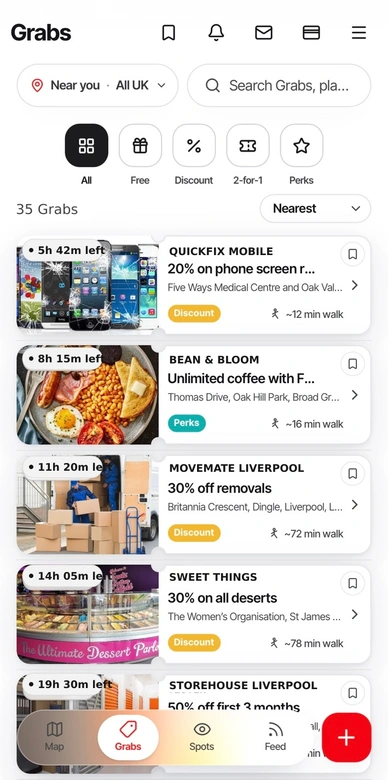
If it’s worth grabbing, it’s on Grabit.
A free coffee. A better price. A little something happening round the corner.
Free 2-for-1
Cocktails. Two for the price of one.
 Discount
20% off your cut.
 Perks
PerksA free dessert with your main.
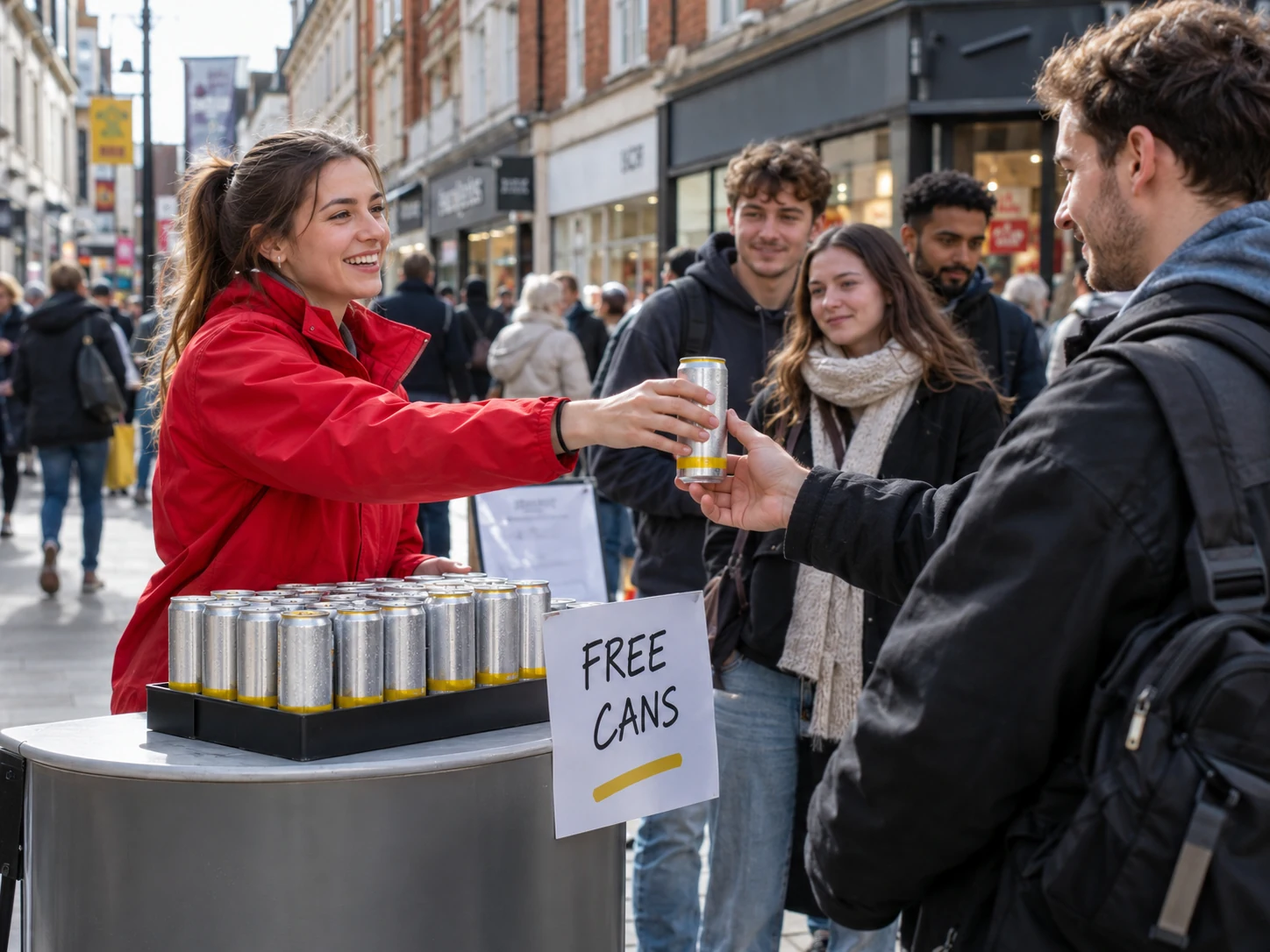 Community Spot
Free drinks. Just spotted.
Example offers. Availability varies. Giveaway image is illustrative.
Get Grabit on AndroidSee it. Grab it. Go enjoy it.
01
FIND IT
See what’s nearby.
Explore the map or browse Grabs. New offers appear as businesses post them.
02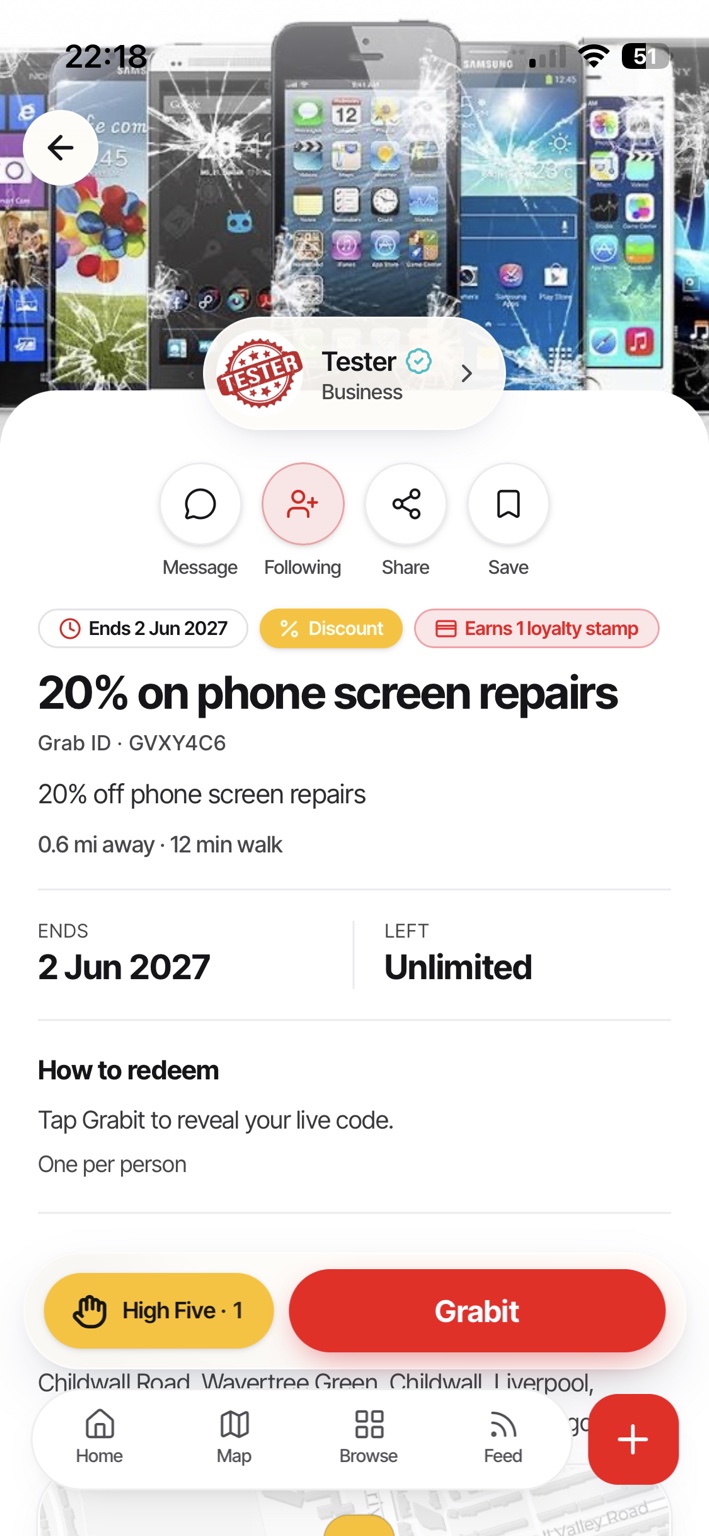
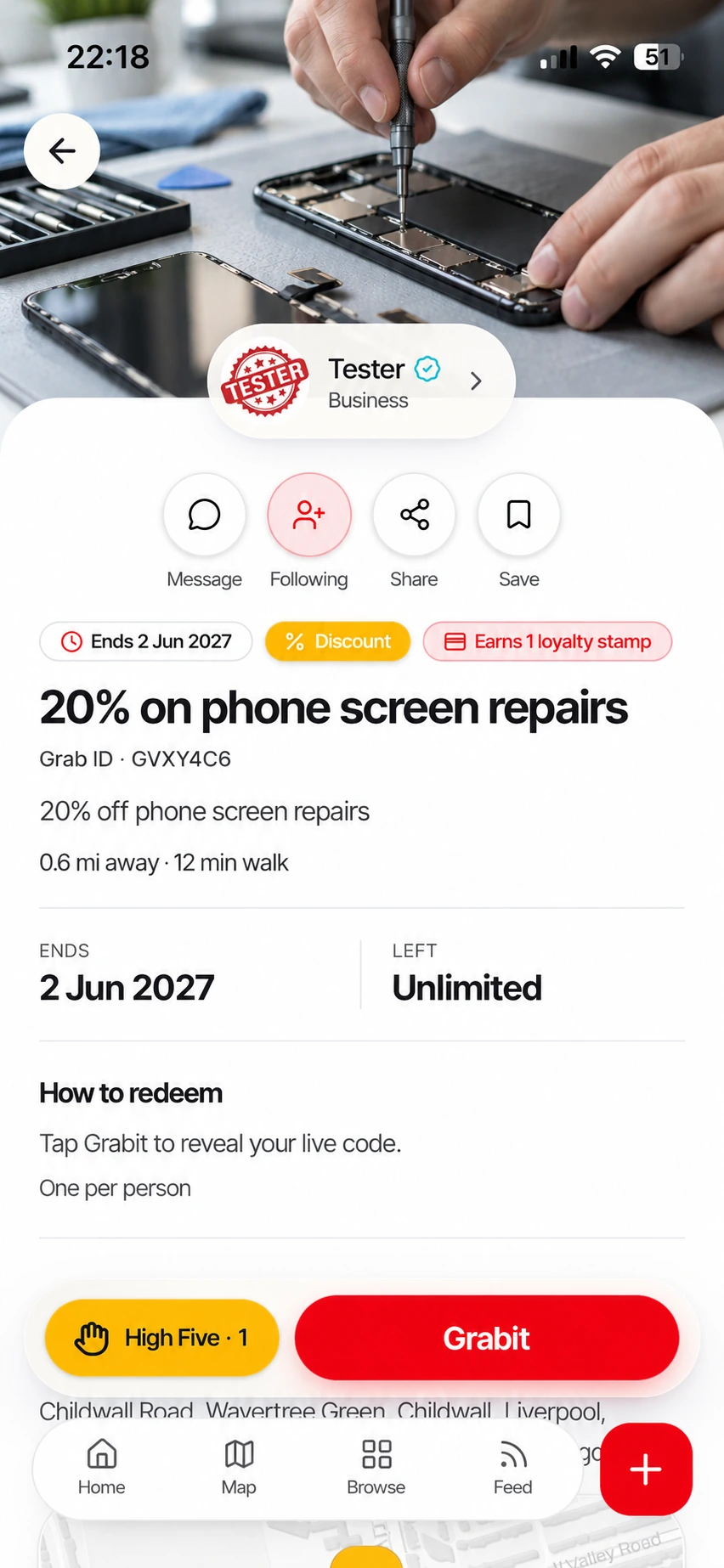
GRAB IT
Check the details. Grabit.
Check the terms and availability. Got a question? Message the business directly. Tap Grabit to get a code when needed.
A saved Grab or code isn’t a reservation. Availability can change.
03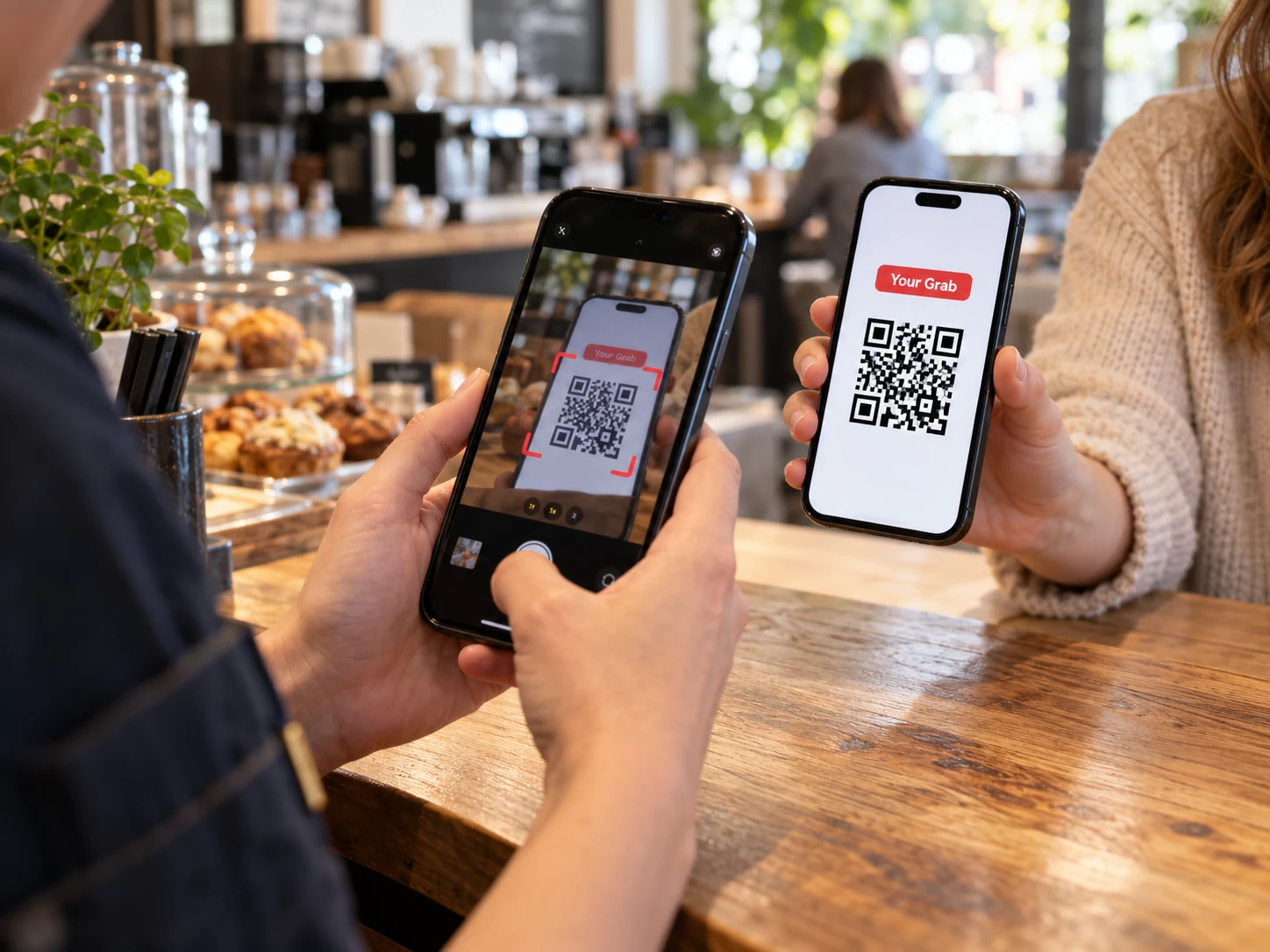 Staff scan your code
Staff scan your codeGO ENJOY IT
Go Grabit. Show your code.
Go Grabit opens directions. When a code is needed, staff scan and confirm it when you arrive.
The repair banner and QR scanning scene are illustrative. Grabs are subject to availability.
Have a look around.
01 / EXPLORE GRABIT
Your next good find could be one street away.
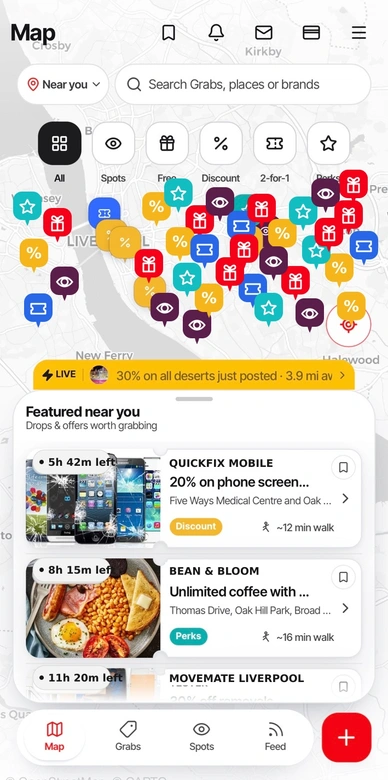
See live Grabs and Community Spots around you on one map. A coffee on the house, a last-minute offer or a giveaway you’d otherwise walk straight past.
- Explore nearby, or look around another area.
- Use the coloured pins to find the kind of Grab you want.
- Open the details, then Go Grabit for directions.
GONE IN 24H.
CYour local coffee spot23h left · Nearby
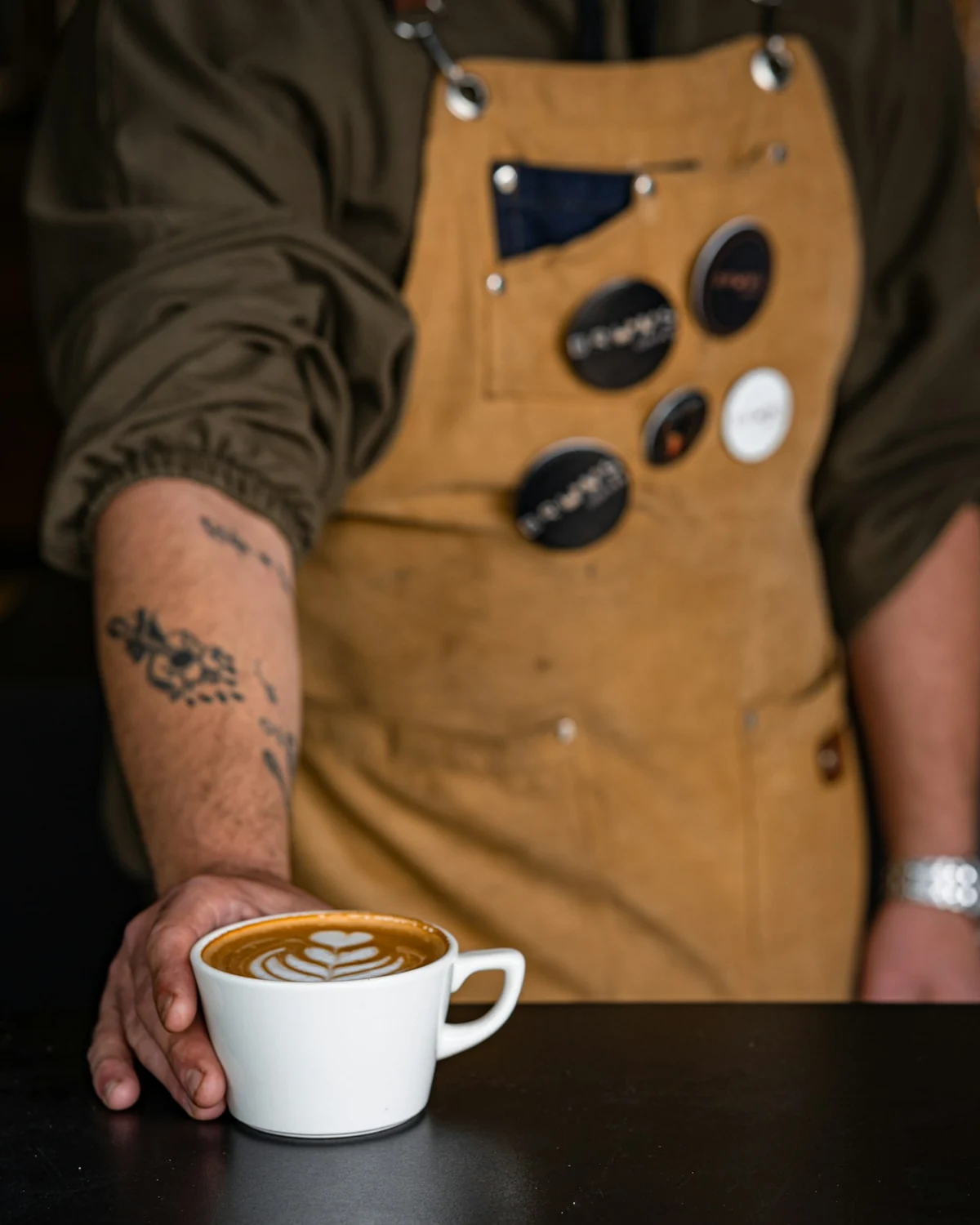
FRESHLY POUREDCoffee’s on us.
FreeGrab your free coffee
Coffee’s on us.
See you before 2?
FreeGrab your free coffeeSee what’s happening Now.
A fresh batch. A table for tonight. A little glimpse of somewhere you’d like to be.
Nows are photos and short videos from local businesses, like Instagram or Facebook Stories. They’re around for 24 hours. See a linked Grab you fancy? Open it to check the offer and availability.
Watch the Now. Open the linked Grab. Go Grabit.
Get Grabit on AndroidGot a business? Post a Now for free
That empty slot
could be someone’s plan.
Someone cancels. A table’s still empty. Post a Grab instantly and let people nearby know you’ve got space.
- Instant Grabs and Nows
- Direct messages with customers
- Redemption feedback and performance insights
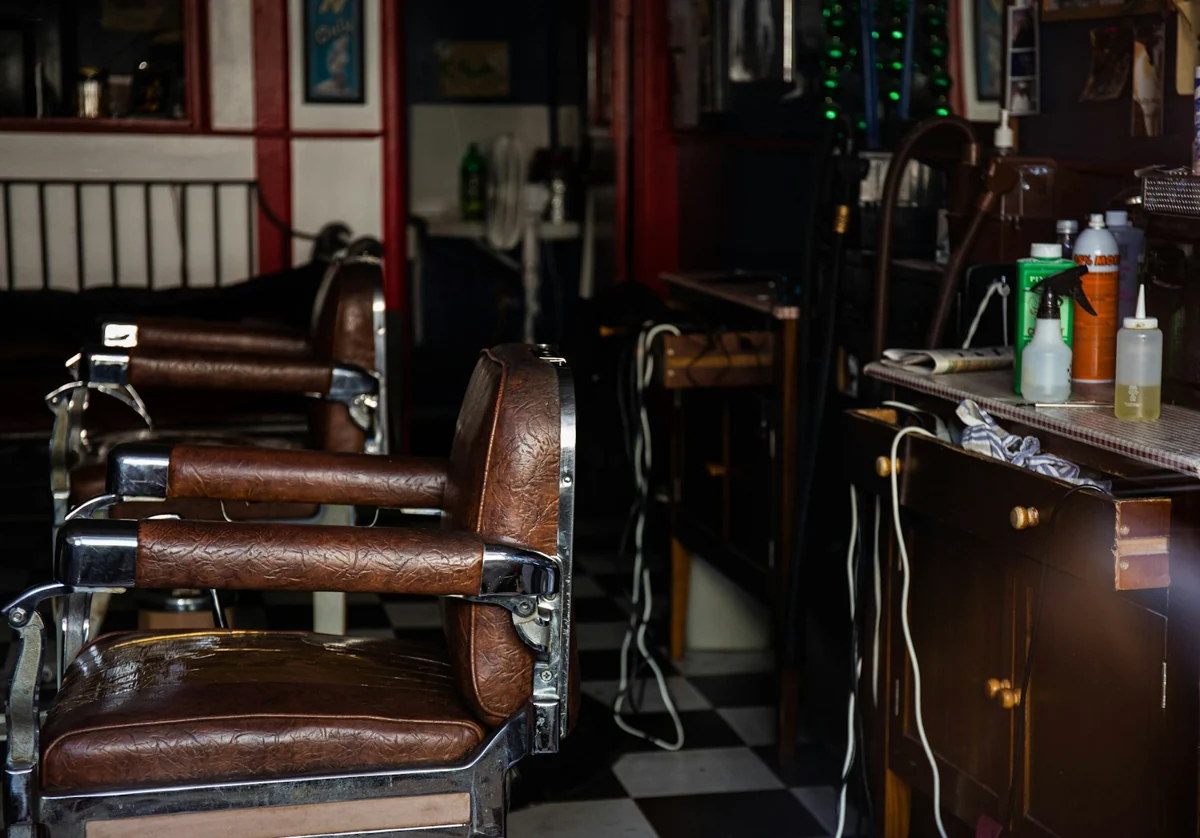 A cancellation?
Someone’s lucky day.
20% offEXAMPLE GRAB
15:30 just opened up.
A fresh cut. A better price. This afternoon.
Find it on GrabitIs Grabit free?
Yes. Grabit is free for everyone.
How do I use a Grab?
Open the Grab and read its terms and how-to-redeem instructions. Tap Grabit to get a code when one is required. When you arrive, show the live QR code for staff to scan, or give them the manual code. Some Grabs don’t need a code, so follow the instructions on that offer.
Does saving or grabbing an offer reserve it?
No. Saving a Grab, getting a code or setting a reminder does not reserve stock, an appointment, a table or a room. Availability can change. Check the terms and contact the business if you need to confirm something before travelling.
Can I message a business before visiting?
Yes. Use Message on a Grab or business profile to ask about an offer, availability or the business’s services. You can keep the conversation in Grabit rather than hunting for contact details elsewhere.
If it’s worth grabbing,
it’s on Grabit.
Coming to iOS soonFree for everyone.